
Revamp UI works with a domain-based license, managed in your Revamp UI account.
Steps to authorize:
1. In WordPress: Revamp UI → License.
2. The License page shows your site’s domain and the current status (likely ❌ Not Authorized).
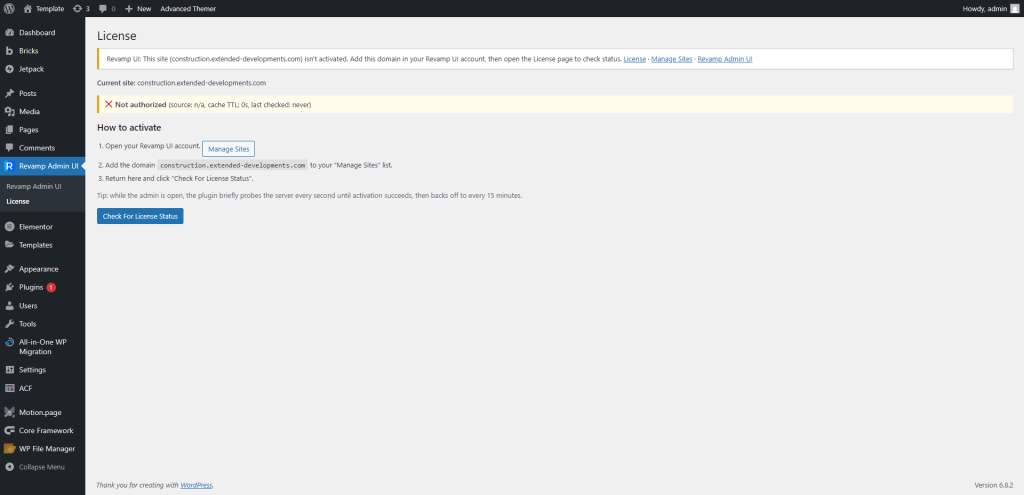
3. Click Manage Sites → log in to your Revamp UI account → add the domain exactly as shown.
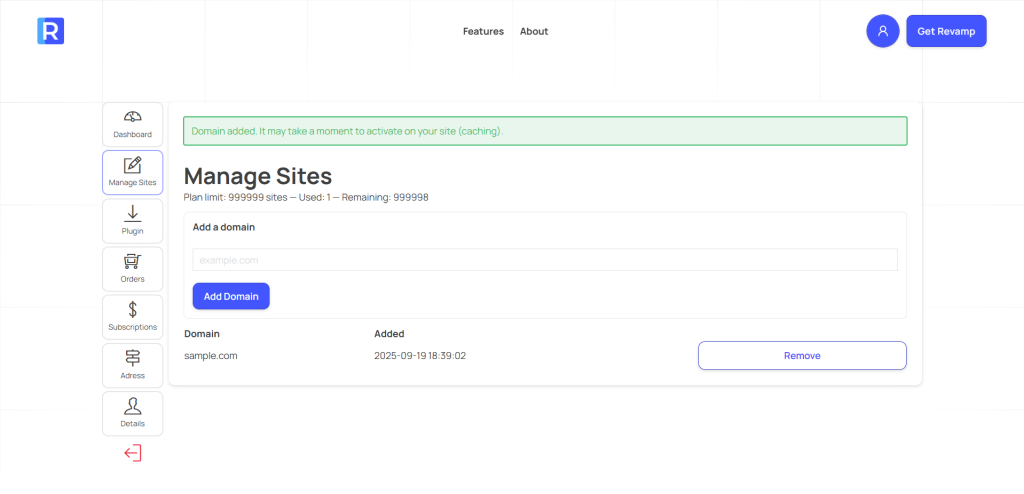
4. Return to WordPress → click Check License (or wait a few seconds). The status will update to ✅ Authorized.
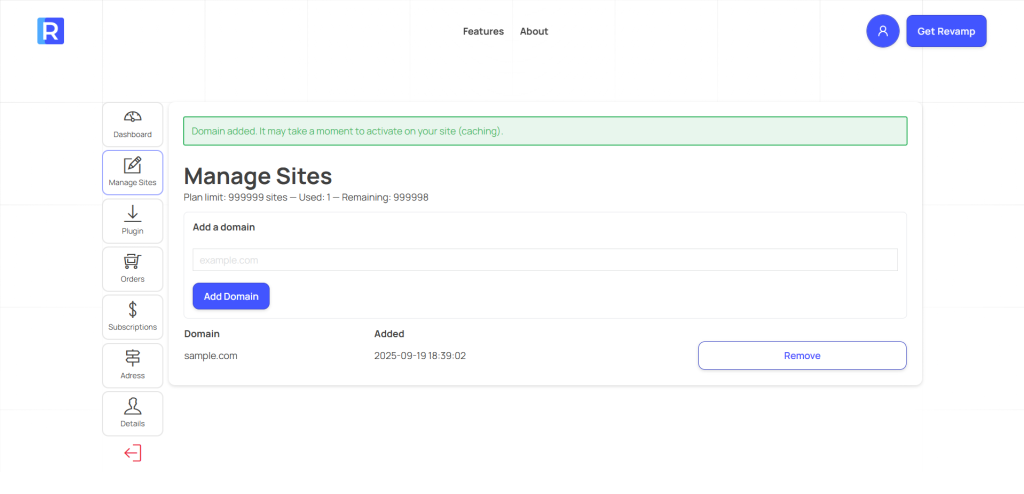
Once authorized, the plugin unlocks its features and the admin interface refreshes into the new design.
Notes:
- Only Administrators can view or change license status.
- The plugin checks license status in the background about every 15 minutes.
- If you move your site (staging → production), remember to add the new domain in your account.
- If authorization fails, the plugin continues in safe “native” mode.