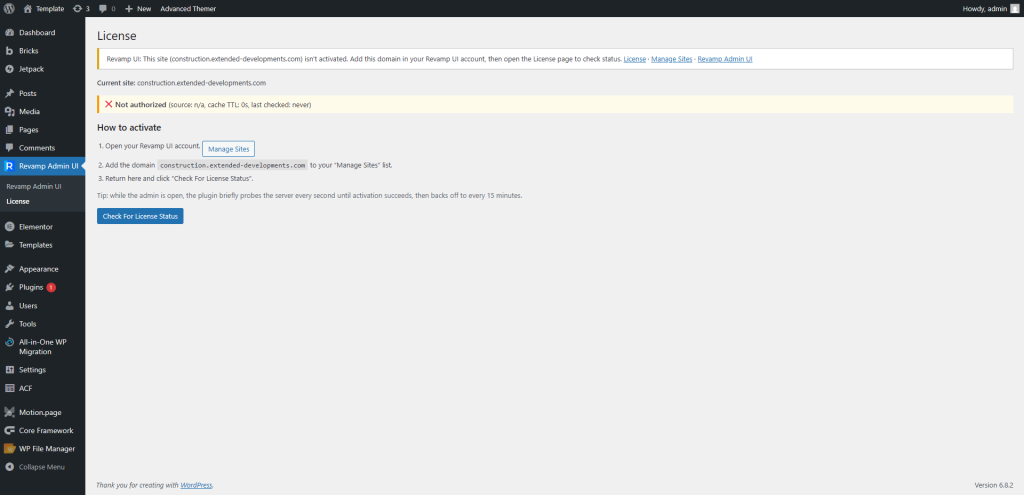
Get the plugin
- Download the ZIP from your Revamp UI account (it is not listed in the public WordPress.org plugin directory).
Install it
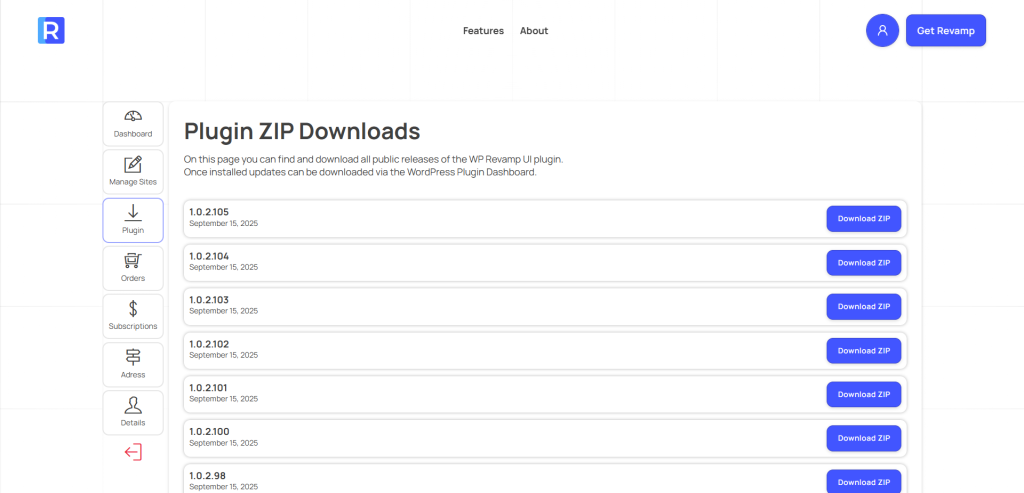
- In WordPress: Plugins → Add New → Upload Plugin → Choose File → Install Now.
- Or unzip and upload the folder to
wp-content/pluginsvia FTP, then activate.
Activation
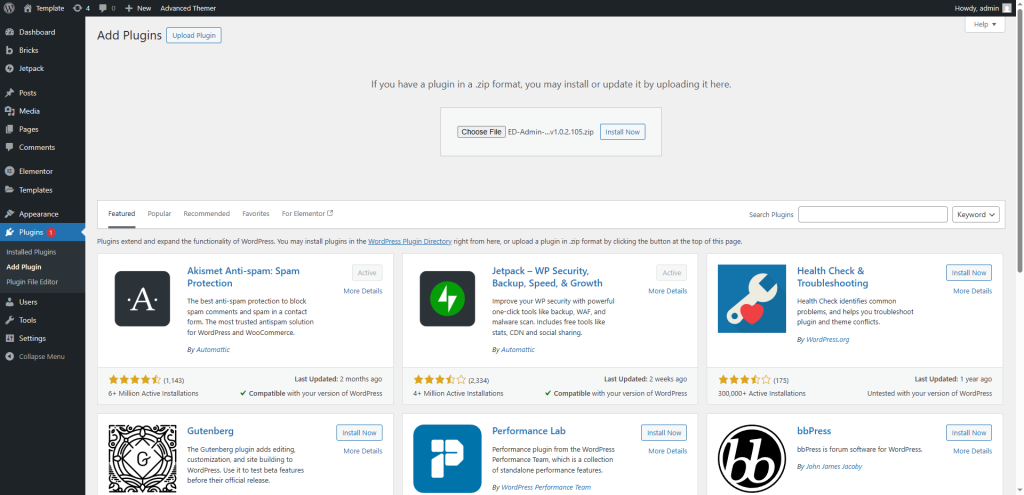
- After activation you’ll see a new menu item called Revamp UI.
- At this point the UI has not changed — you must first authorize the plugin.