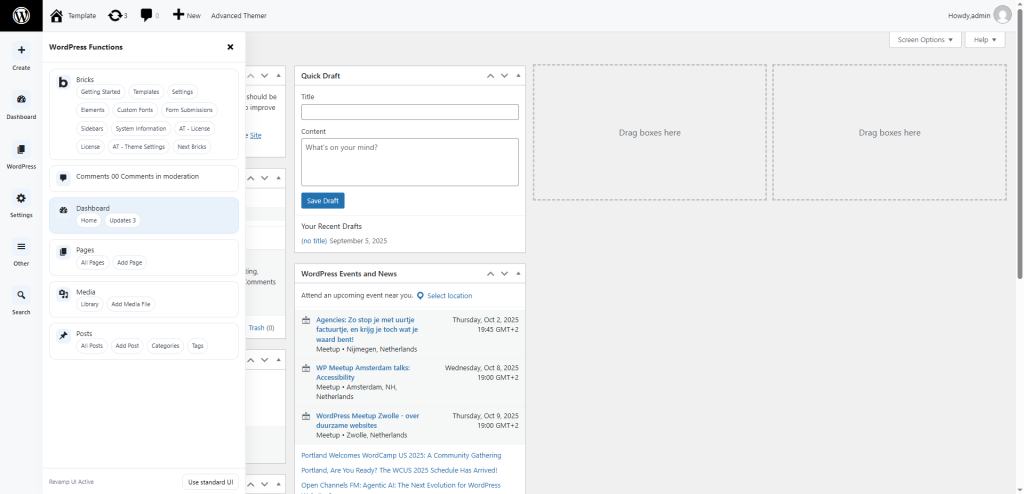
5.1 Flyout Navigation
- The standard left-hand menu is replaced with a slim rail of icons.
- Hover or click an icon to expand a panel listing related menu items.
- The grouping is logical: content items together, settings and tools together, etc.
- Tooltips appear on hover; keyboard users can tab, arrow, and press Enter/Esc.